

Cancellation
Cancel SWICA: swica: health topics, model and documents kept apart before the document.
PrimAI turns SWICA cancellation into a clear task: scan the policy, confirm the affected cover, check the deadline and prepare the document without sales pressure. PrimAI does not give medical advice and does not sell insurance. The app organizes information, prepares documents and keeps neutrality visible.


- ✓Policy first
- ✓Deadline visible
- ✓No commission
Cancel SWICA: check your policy, separate basic and supplementary cover, keep the deadline visible and prepare the document in the PrimAI app.
Quick facts
Cancellation: the essentials at a glance.
Step by step
How it works.
-
Check the policy
Scan your SWICA policy. PrimAI reads model, deductible, insured number and the affected person.
-
Separate basic and supplementary
Basic insurance and supplementary cover follow different rules and deadlines.
-
Deadline and address
Received by 30 November at SWICA Krankenversicherung AG, Römerstrasse 38, 8401 Winterthur.
-
Prepare the document
PrimAI prepares a clean cancellation letter and keeps the confirmation.
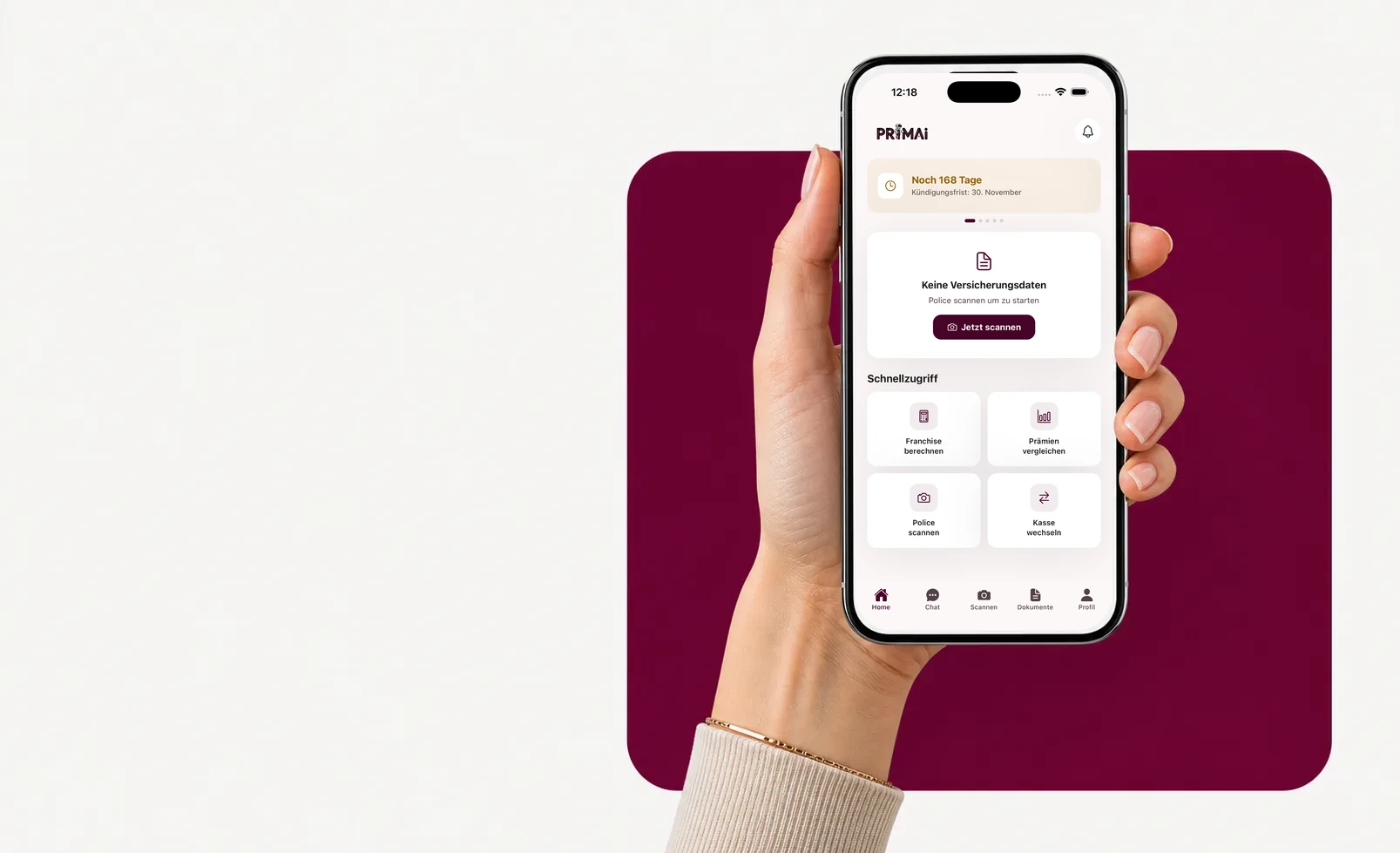
PrimAI app
Turn your policy into a clear app task.
Scan your policy, check official FOPH premiums, keep the deadline in view and prepare the right document — neutral, free and without commission.
Models
Cancellation basic-insurance models.
The model sets premium and doctor access. Swipe through the options.
Standard (freie Arztwahl)
Basic benefits are the same by law — models differ in access and premium.
Medica
Basic benefits are the same by law — models differ in access and premium.
Casa
Basic benefits are the same by law — models differ in access and premium.
Medpharm
Basic benefits are the same by law — models differ in access and premium.
Favorit Santé
Basic benefits are the same by law — models differ in access and premium.
Telmed
Basic benefits are the same by law — models differ in access and premium.
Step by step
Why the insurer context matters
PrimAI turns SWICA cancellation into a clear task: scan the policy, confirm the affected cover, check the deadline and prepare the document without sales pressure. PrimAI does not give medical advice and does not sell insurance. The app organizes information, prepares documents and keeps neutrality visible.
Why the insurer context matters
SWICA can combine basic insurance, alternative models and supplementary health topics. PrimAI helps read them separately. PrimAI does not give medical advice and does not sell insurance. The app organizes information, prepares documents and keeps neutrality visible.
- Clear model
- Separate supplementary cover
- Neutral
Basic or supplementary insurance: do not mix them
For SWICA, the first question is not which wording to send, but which insurance is actually affected. Mandatory basic insurance follows a different logic from supplementary insurance: deadlines, consequences and wording may differ. PrimAI therefore asks you to confirm whether the cancellation concerns basic insurance, supplementary cover or a different administrative task. This separation avoids a broad document touching cover you wanted to keep.
What PrimAI keeps tidy for this insurer
PrimAI does not give medical advice and does not sell insurance. The app organizes information, prepares documents and keeps neutrality visible.
- Clear model
- Separate supplementary cover
- Neutral
Compare or optimize before sending
Cancelling SWICA is not always the right first move. If the issue is mainly deductible, model, moving home or a higher premium, optimization may be enough. PrimAI therefore places cancellation next to other options: compare official premiums, test a realistic deductible, understand the model or prepare a switch only when the new situation is ready. Before changing insurer, it may be useful to check deductible, model and official premiums. PrimAI prepares this comparison using your current policy as the starting point.
Guide
SWICA: cancellation with swica: health topics, model and documents kept apart | PrimAI
Cancel SWICA: check your policy, separate basic and supplementary cover, keep the deadline visible and prepare the document in the PrimAI app.
Guide, app and insurer compared
Guide
Cancel SWICA: check your policy, separate basic and supplementary cover, keep the deadline visible and prepare the document in the PrimAI app.
Best for: Understanding the topic before acting.
PrimAI App
PrimAI turns SWICA cancellation into a clear task: scan the policy, confirm the affected cover, check the deadline and prepare the document without sales pressure. PrimAI does not give medical advice and does not sell insurance. The app organizes information, prepares documents and keeps neutrality visible.
Best for: Preparing the concrete task on your phone.
Health insurer
Official confirmation, contract handling and administration.
Best for: Legally binding confirmation.
Download the free app
PrimAI turns SWICA cancellation into a clear task: scan the policy, confirm the affected cover, check the deadline and prepare the document without sales pressure. PrimAI does not give medical advice and does not sell insurance. The app organizes information, prepares documents and keeps neutrality visible.
Download the app for free →
Free app for Switzerland
On desktop? Scan the code with your phone.
The best flow is on mobile: scan the QR code, open the app and continue with your policy there.
FAQ
Frequently asked questions
Where do I send the SWICA basic-insurance cancellation?
To: SWICA Krankenversicherung AG, Römerstrasse 38, 8401 Winterthur. It must arrive by 30 November (date of receipt, not postmark).
Which models does SWICA offer?
SWICA offers: Standard (freie Arztwahl), Medica, Casa, Medpharm, Favorit Santé, Telmed. The model affects premium and doctor access.
How do I reach SWICA?
Via the mySWICA portal or by phone at 0800 80 90 80.
Is PrimAI official for cancelling SWICA?
No. PrimAI is not an official channel of SWICA. The app helps prepare and organize, but confirmation must come from the insurer.
Can I cancel SWICA basic and supplementary insurance together?
It is safer to treat them separately. Deadlines and consequences are not always the same.
Why scan the policy before cancellation?
The policy contains insured person, number, cover, model and deductible. Without those details, the document can become inaccurate.
Should I compare before cancelling?
Yes, especially for basic insurance. A new solution should be clear before a cancellation is sent.